AW-TOOL-1.6无人机维修工具 AW Drone Repair Tool 1.6
欢迎使用AW-TOOL-1.6无人机维修工具 AW Drone Repair Tool 1.6
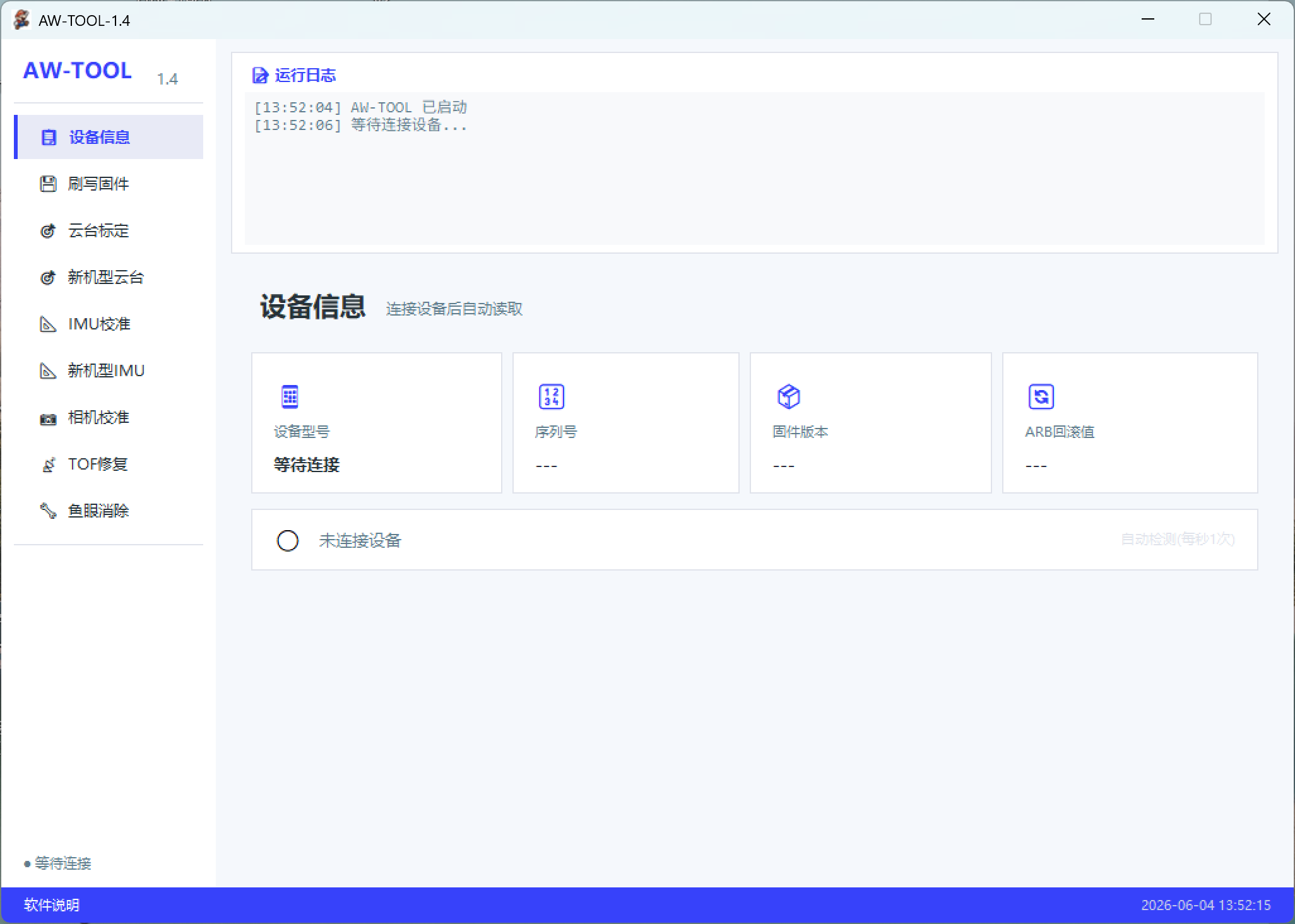
连接方式:先打开官方调参软件,软件识别后打开本工具,点击刷新,连接即可
功能说明:
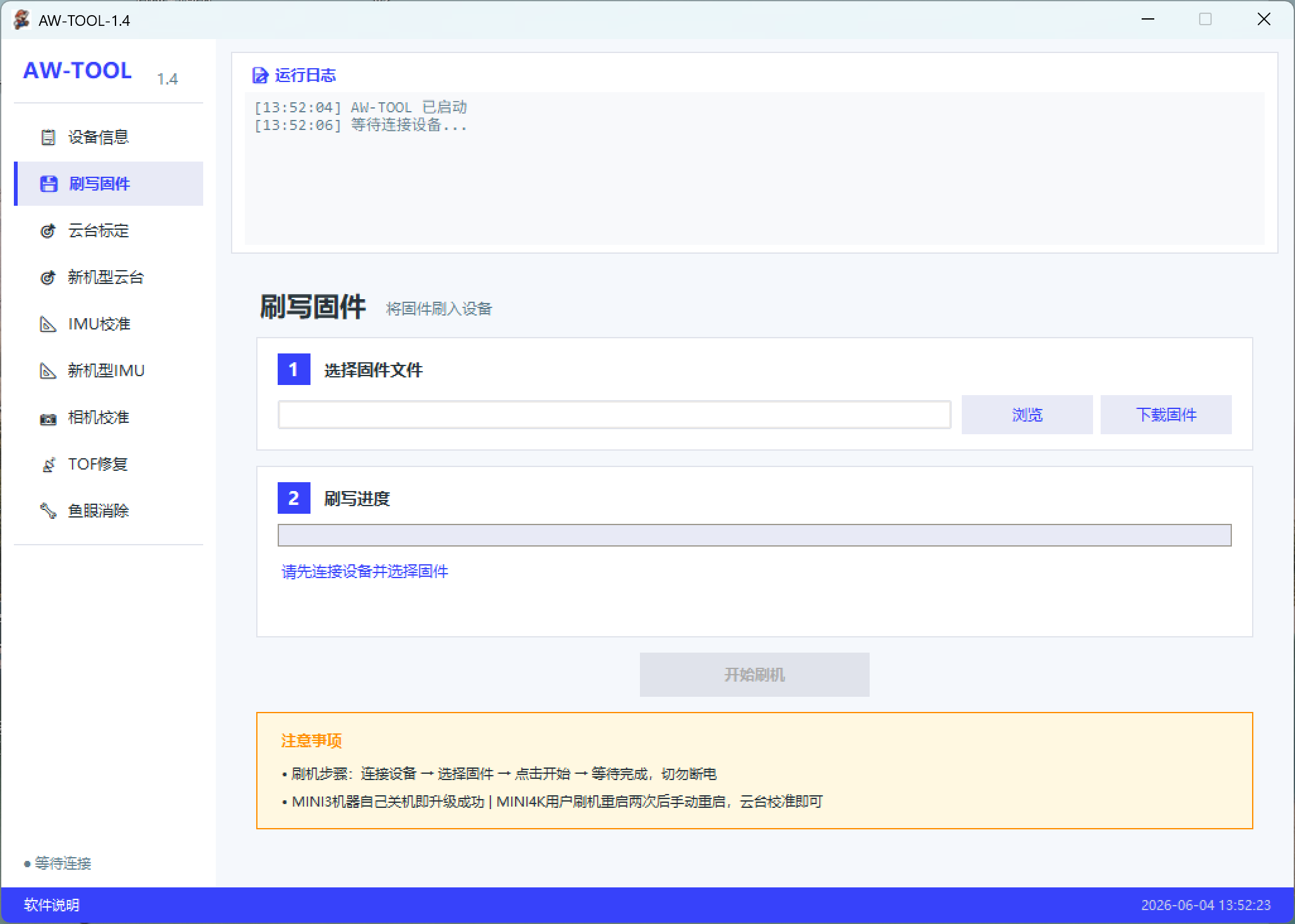
• 刷写固件:支持Mini1 MiniSE Mini2 Mini2SE Mini3 Mini4K AIR2 AIR2S AIR3 AIR3S Mini4Pro Mini5Pro 御3C 御3 御3POR 御4Pro
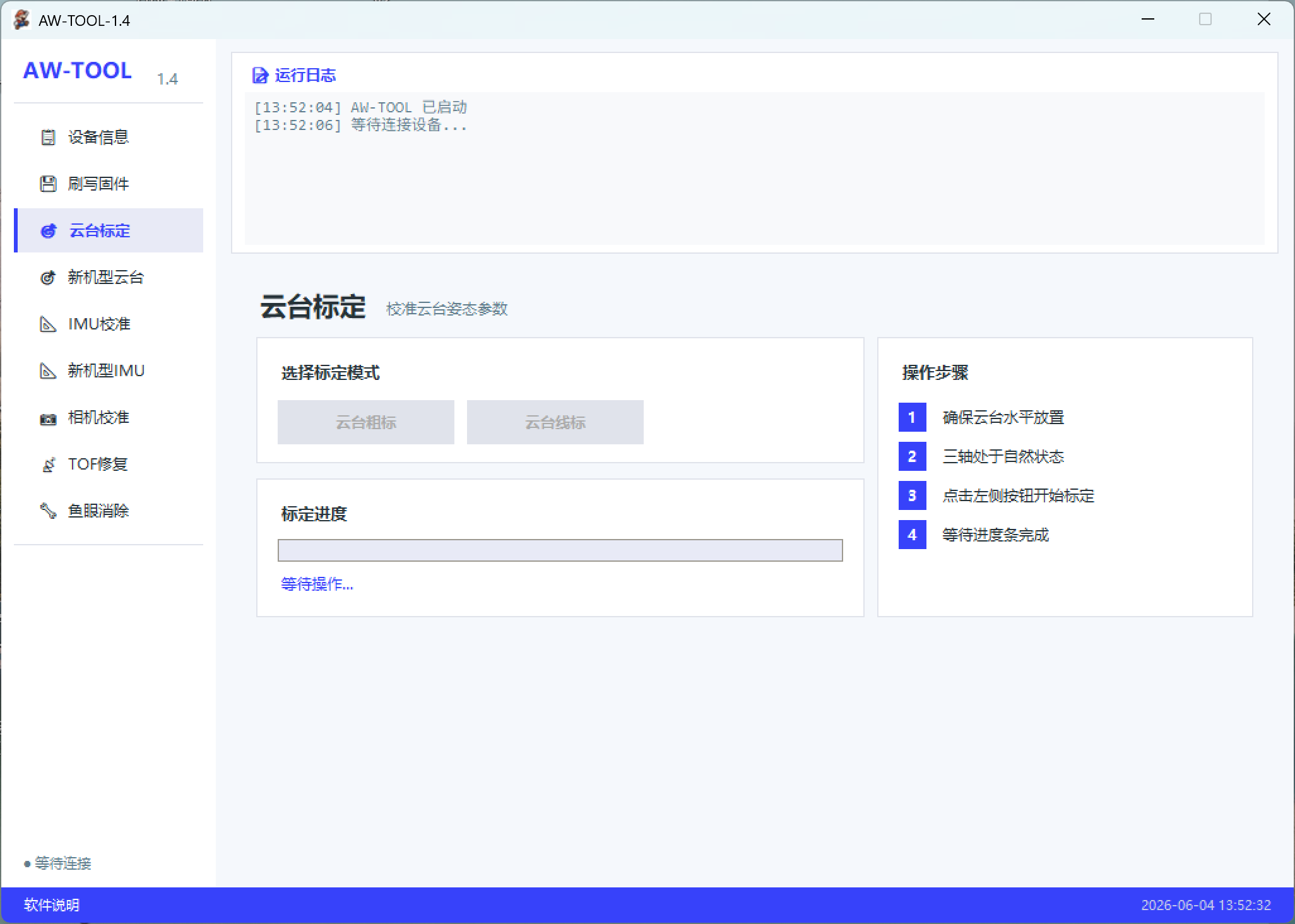
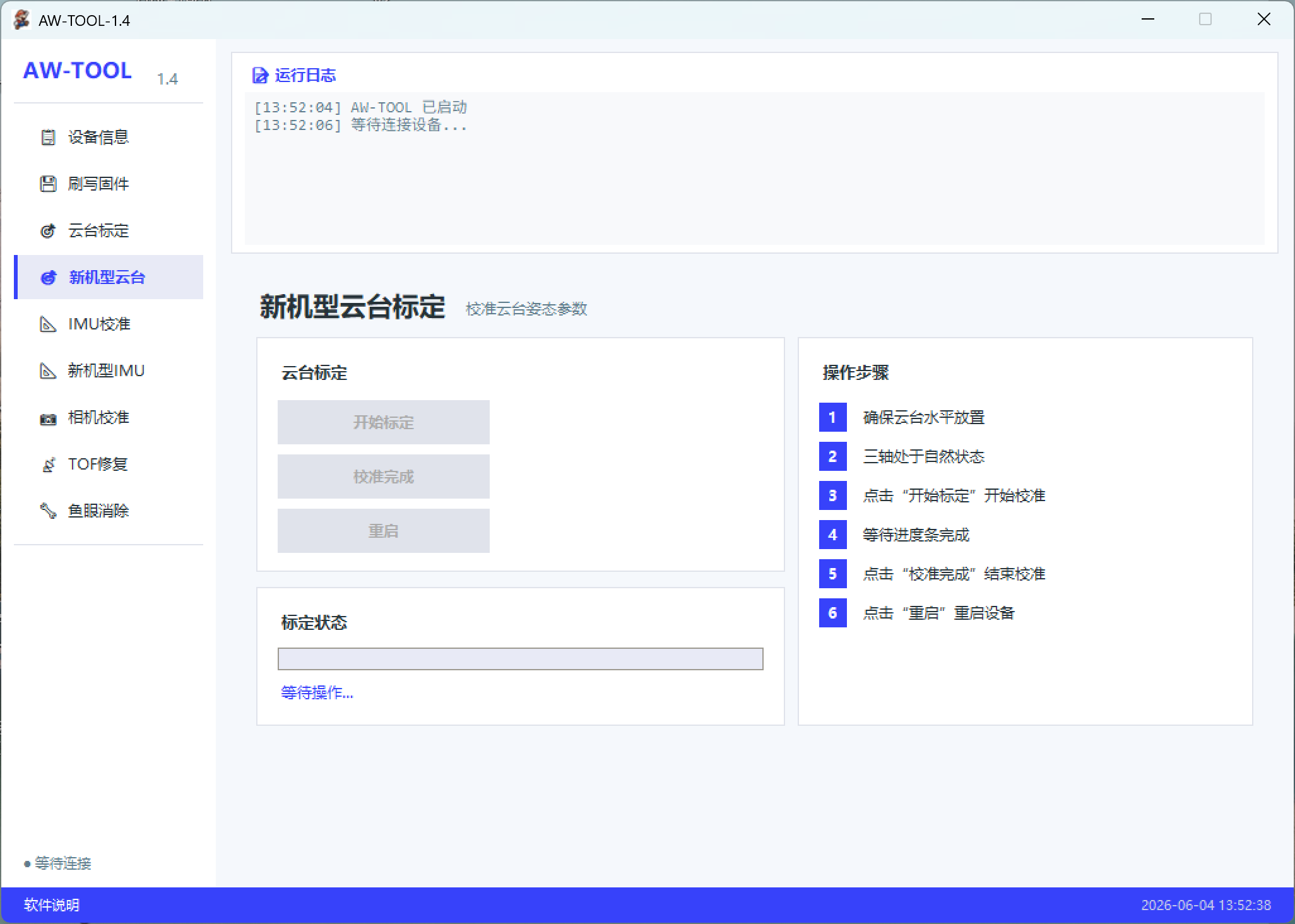
• 云台标定:用于标定维修云台总成后造成的歪脖子
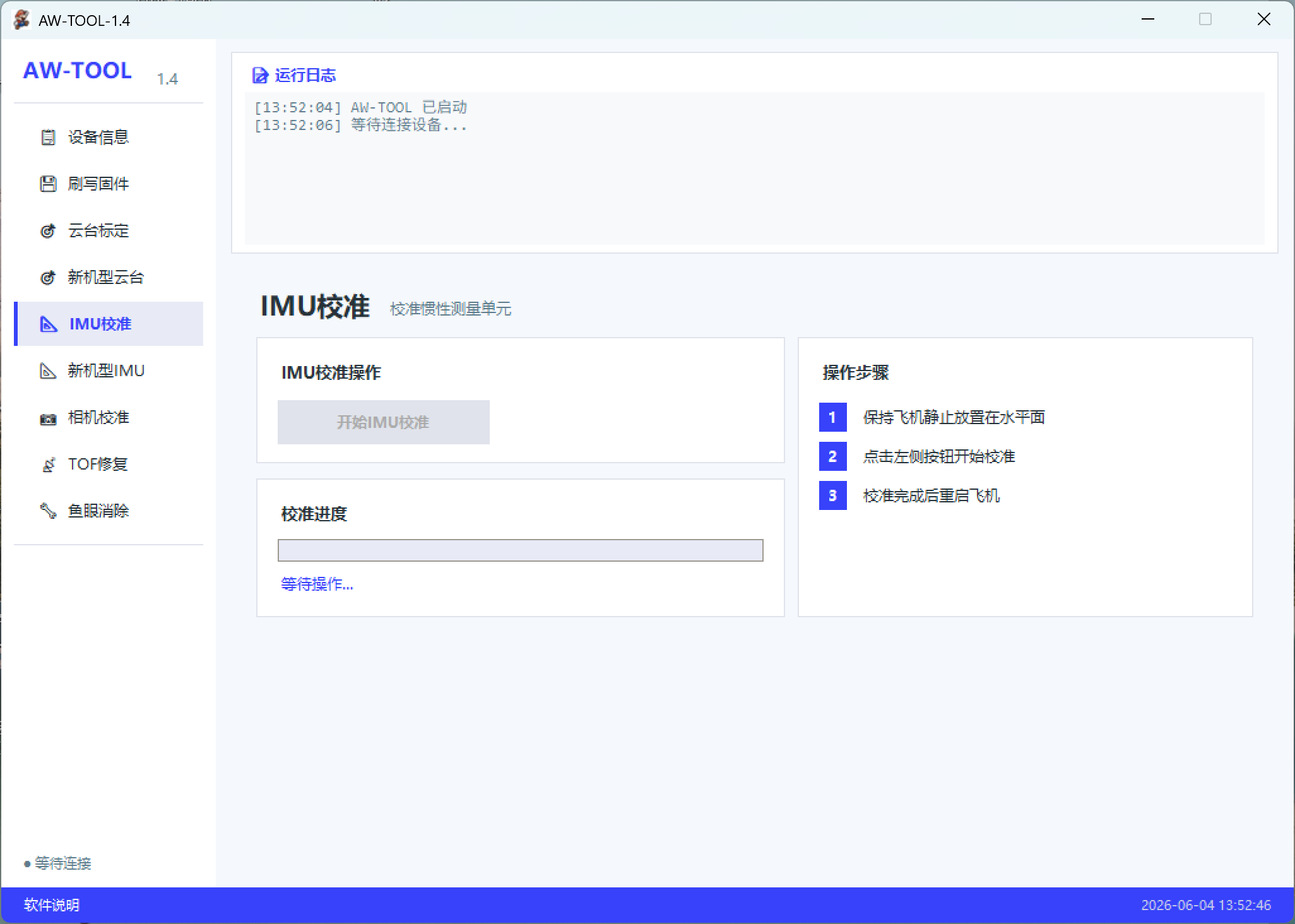
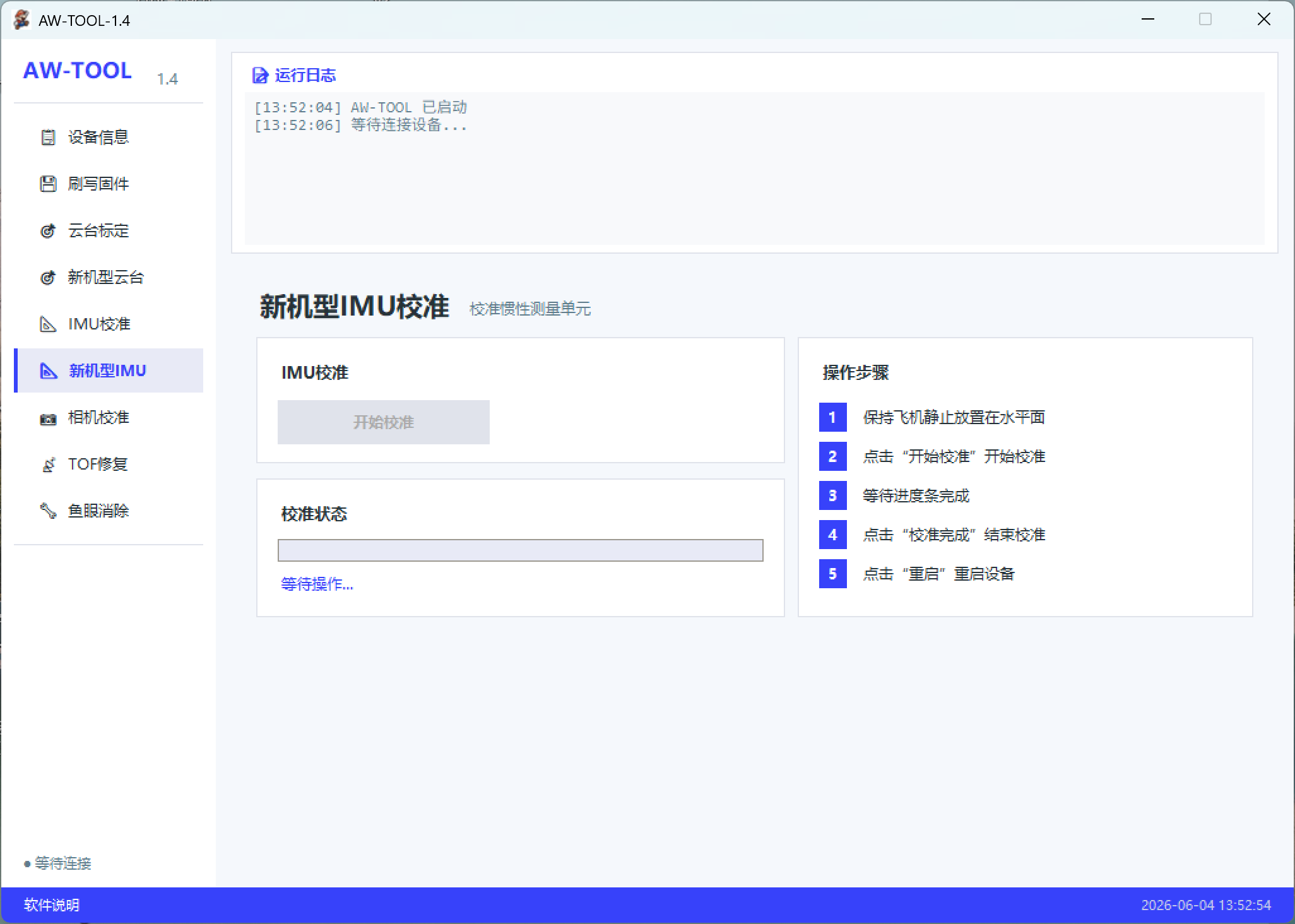
• IMU校准:支持全系列消费机解决IMU不匹配问题
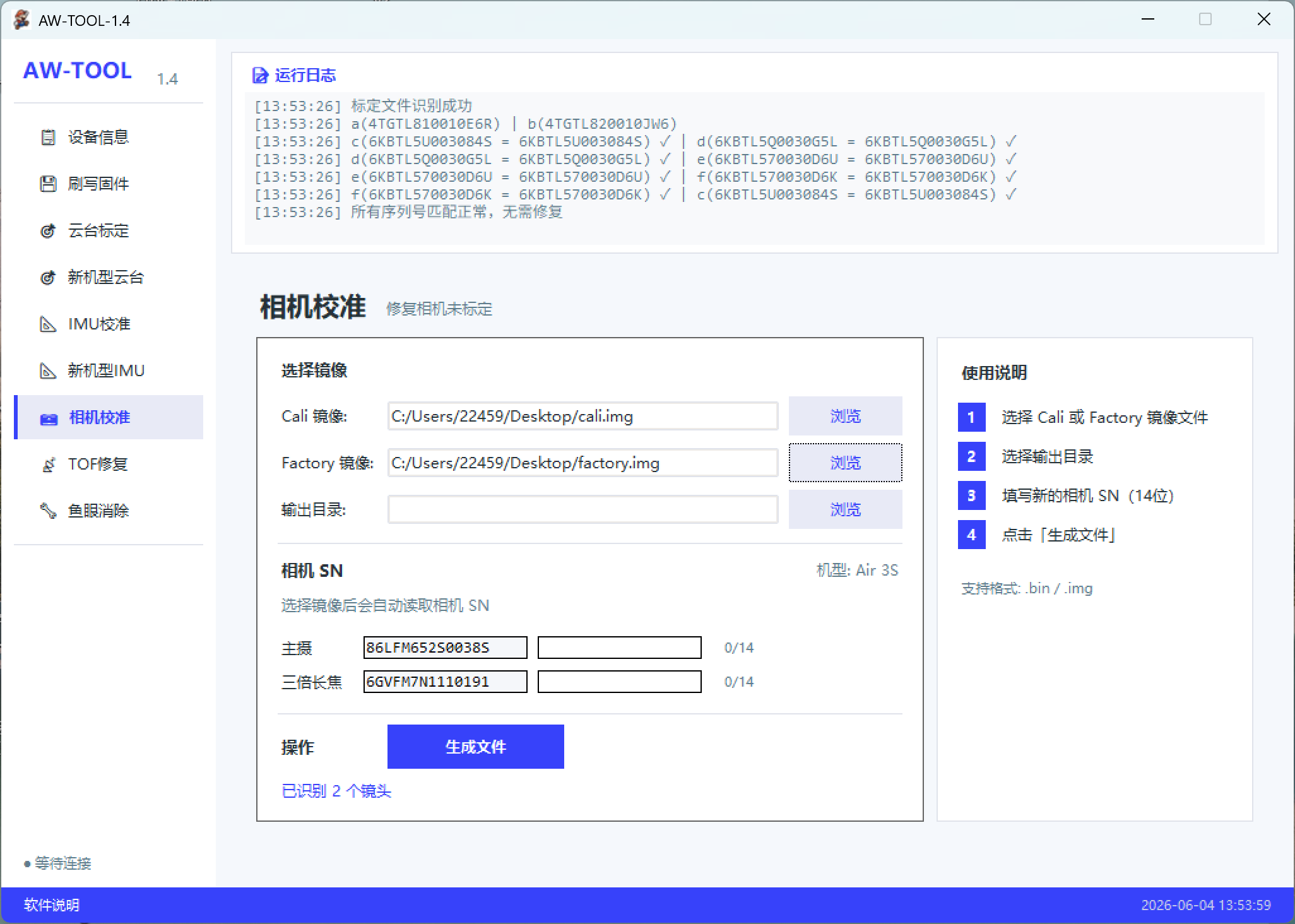
• 相机校准:消除相机未标定支持型号:AIR2 AIR2S MINI3PRO MINI4PRO AIR3 御3/3C/3POR(10016 10017)
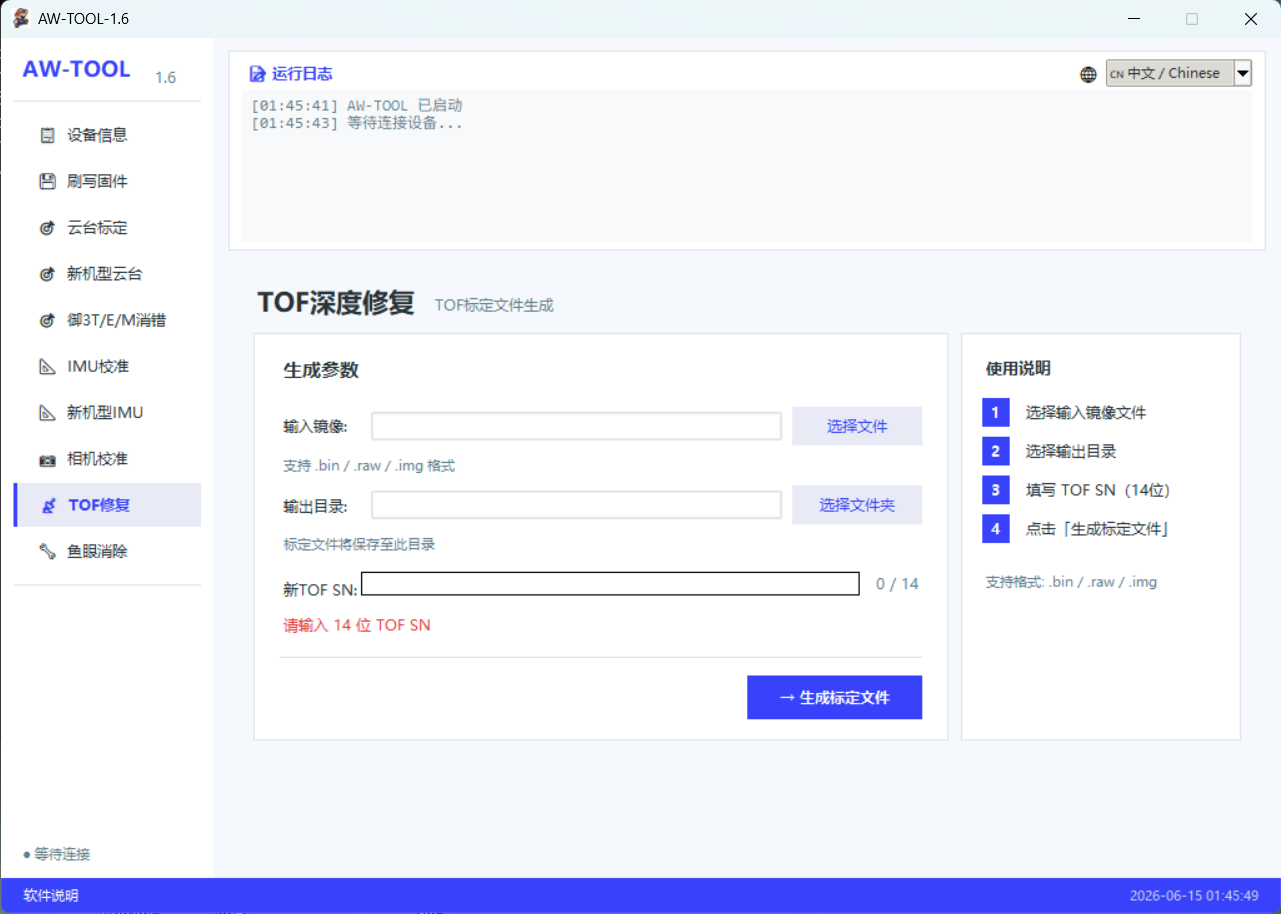
• TOF深度修复:解决更换前激光雷达,下TOF报错深度传感故障
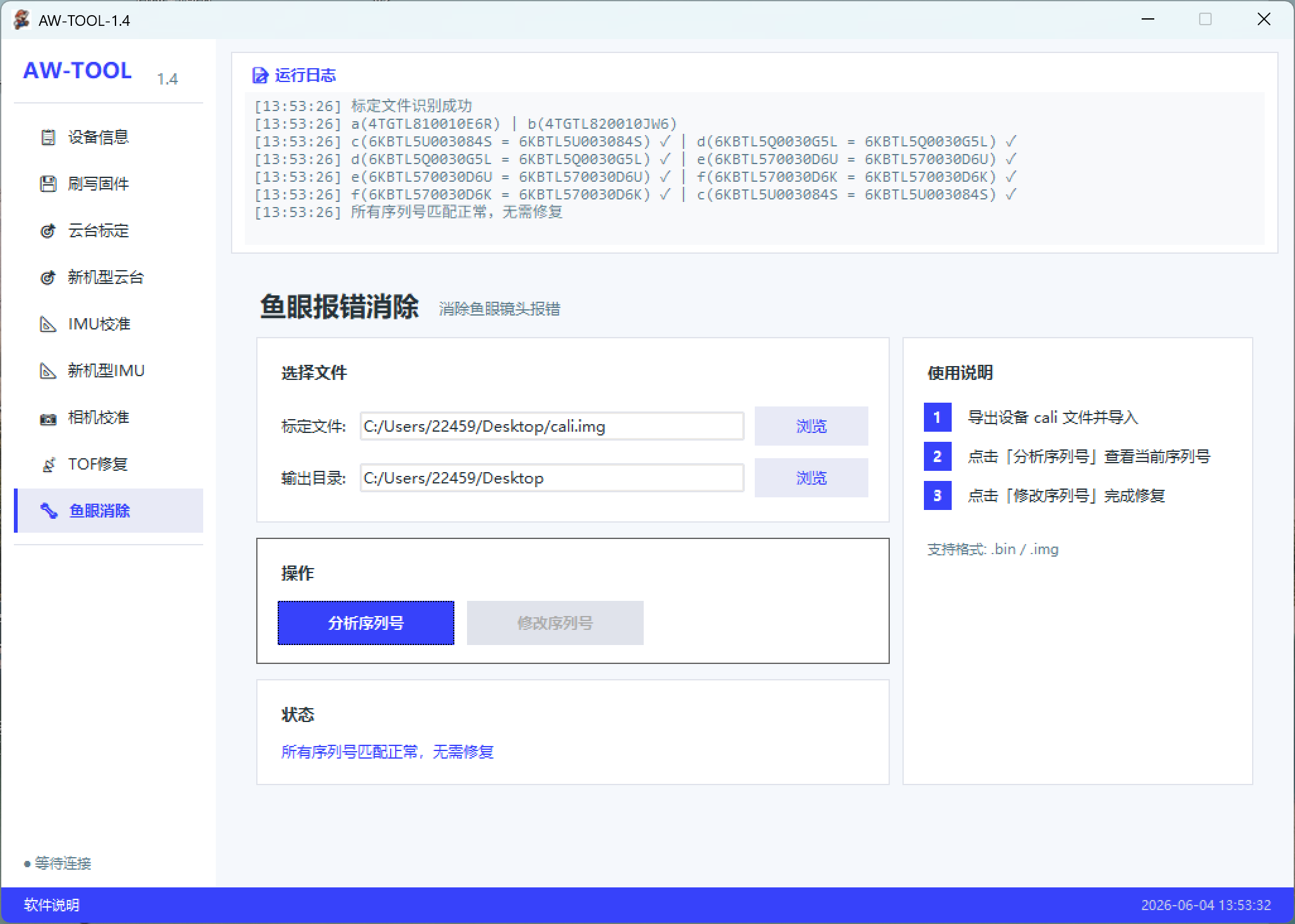
• 鱼眼报错消除:给软件一个cali文件,软件自动维修报错,写回飞机即可修复鱼眼报错
Welcome to use AW-TOOL-1.6 Drone Maintenance Tool, AW Drone Repair Tool 1.6
Connection Method: Launch the official parameter adjustment software first. After the software recognizes the drone, open this tool, click Refresh, and then complete the connection.
Function Description:
• Firmware Flashing: Compatible with Mini1, MiniSE, Mini2, Mini2SE, Mini3, Mini4K, AIR2, AIR2S, AIR3, AIR3S, Mini4Pro, Mini5Pro, Mavic 3C, Mavic 3, Mavic 3 Pro, Mavic 4 Pro
• Gimbal Calibration: Used to fix tilted gimbal issues after gimbal assembly maintenance
• IMU Calibration: Supports all consumer drone models to resolve IMU mismatch errors
• Camera Calibration: Fix uncalibrated camera issues. Supported models: AIR2, AIR2S, MINI3PRO, MINI4PRO, AIR3, Mavic 3/3C/3 Pro (10016, 10017)
• TOF Depth Repair: Resolve depth sensor faults and TOF error alerts after front LiDAR replacement
• Fisheye Error Removal: Import a cali file to the tool, which will automatically repair error codes. Simply flash the repaired data back to the drone to eliminate fisheye camera errors